YouTube assets
Download on your phone, then upload in the YouTube app. Everything is ready to paste.
On a computer? Scan this QR with your phone camera to open this page there.
pearl-pc.tail19c59a.ts.net/yt
pearl-pc.tail19c59a.ts.net/yt
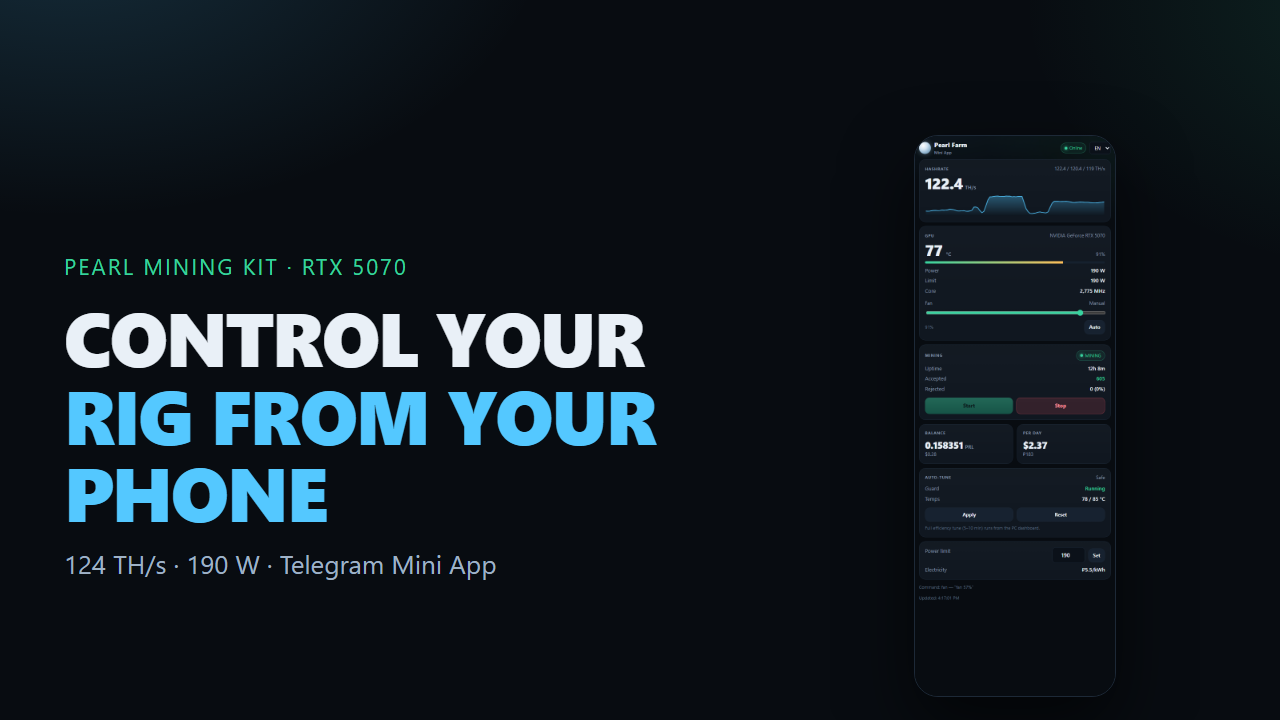
1 · Channel
Name Pearl Mining Kit · handle @PearlMiningKit · category Science & Technology
2 · Video title
3 · Description
4 · Tags
5 · Pin this comment
6 · Steps
- YouTube app → profile → Create a channel, name it and pick the handle.
- Profile → Edit channel → change avatar and banner.
- Create → Upload a video → pick the MP4 from your downloads.
- Not made for kids · Science & Technology · English · Public.
- Paste title, description and tags, then set
yt-thumb.pngas thumbnail. - Publish, then pin the comment above.
- Channel → Customize → Links: site
pearl-pc.tail19c59a.ts.net/enand bot.
If the video opens instead of downloading: browser menu → “Download page” / “Save”.
Copy buttons need HTTPS — this page is served over HTTPS, so they work on the phone.